Nauu 2.0 · iPhone
A task list that gets out of the way.
Most to-do apps want to be a system. Nauu wants to be a list. Write it down, tick it off, get on with your day.
Free to use · Pro is one purchase, never a subscription
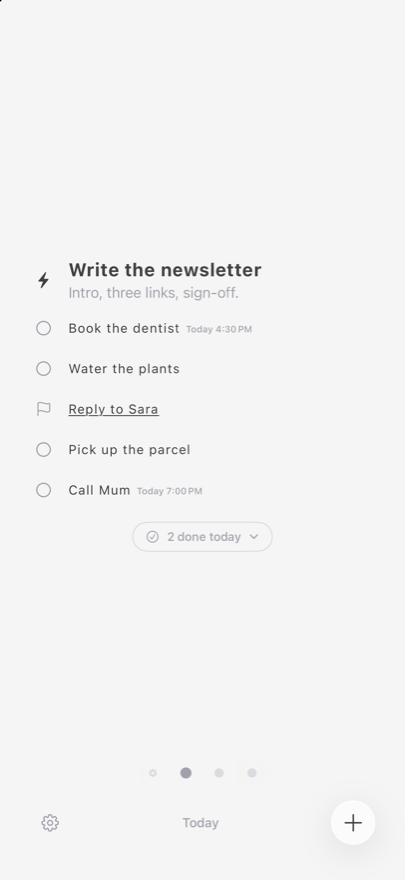
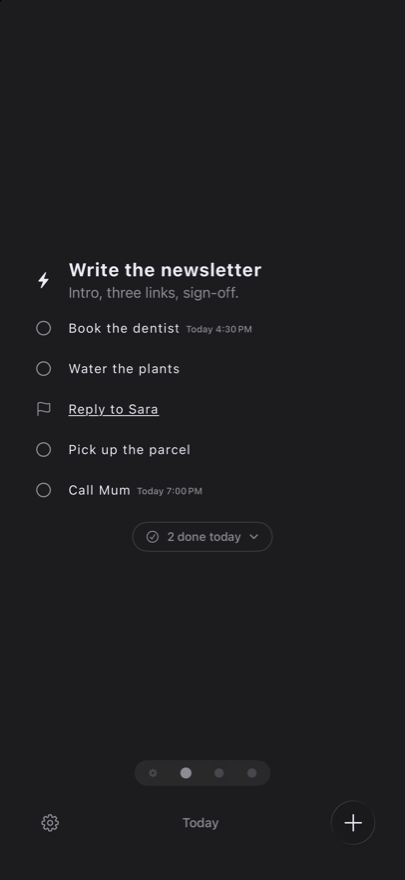
One screen
The list is the app. Settings live one swipe to the left.
No account
Nothing to sign up for. Open it and start writing.
No nagging
It is silent unless you give a task a time.
Try it here
You already know how it works.
This is the real list, rebuilt on the page. Finish something, rename it, drag a row to the right. Nothing is saved — it is yours to poke at.
Tap an icon to finish · tap the text to edit · drag right for a status
The whole interface
Four gestures, and that is the manual.
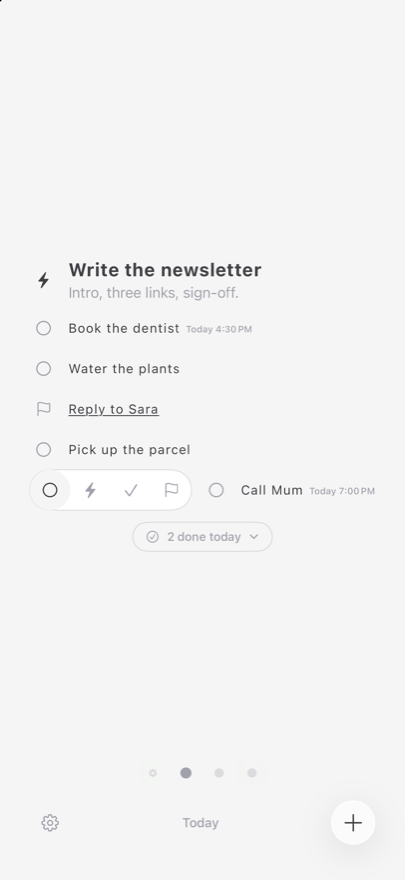
Swipe right for a status
To-do, in progress, done, flagged. One swipe, four choices, no menu. Swipe left instead and the task is gone — with a few seconds to take that back.
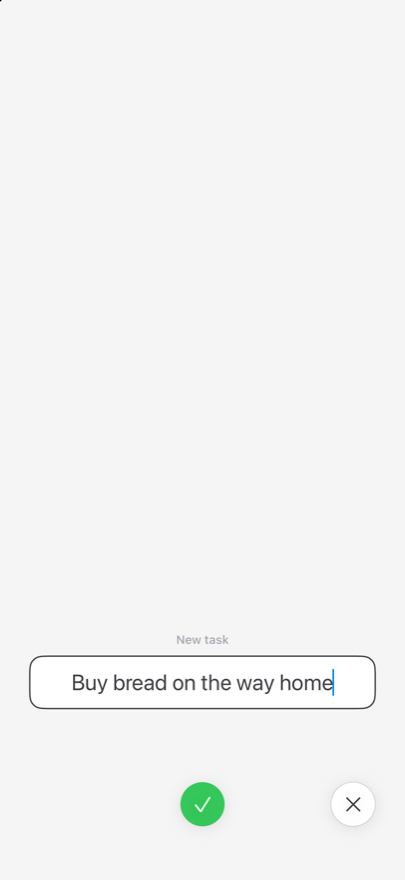
Add one in two seconds
One field and one button. No project to file it under, no priority to set, no date you have to invent before it will let you save.
Everything else, one tap away
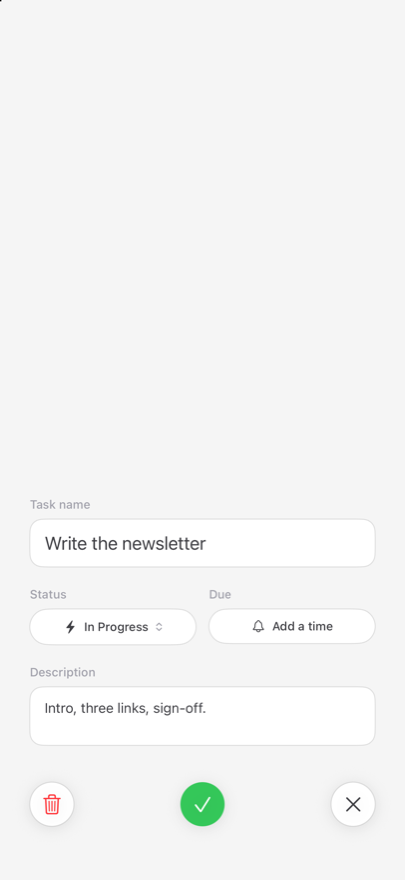
Tap the text and the task opens: a name, a description, a status and a time. Nothing you have to fill in, everything you might want.
Lists
As many lists as you like. One at a time.
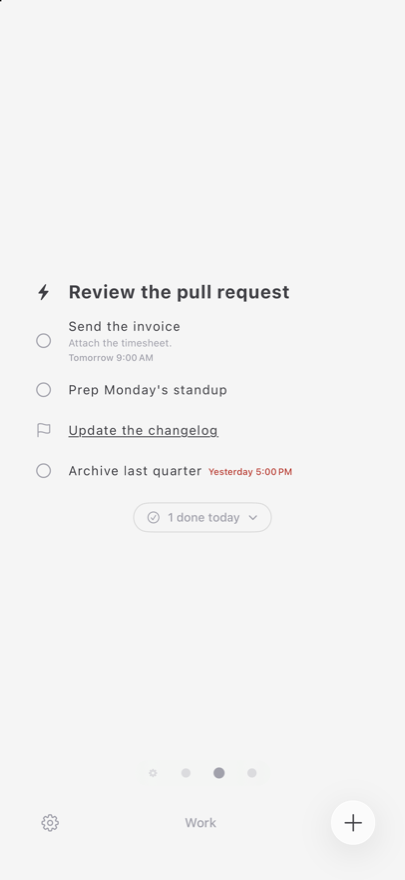
Today, Work, Home, the shop. Each list is its own page, and you swipe between them. There is no sidebar to open and no folder tree to keep tidy — just the list you are looking at.
Paste a list from Notes or Messages and every line becomes a task. Hold a task to pick the list up and drag things into the order you actually mean to do them in.
Nauu Pro
Pay once. Then never think about it again.
Your lists and your tasks stay free and unlimited. Pro is a single purchase that adds the things you only want once the list has become part of your week.
- Widgets
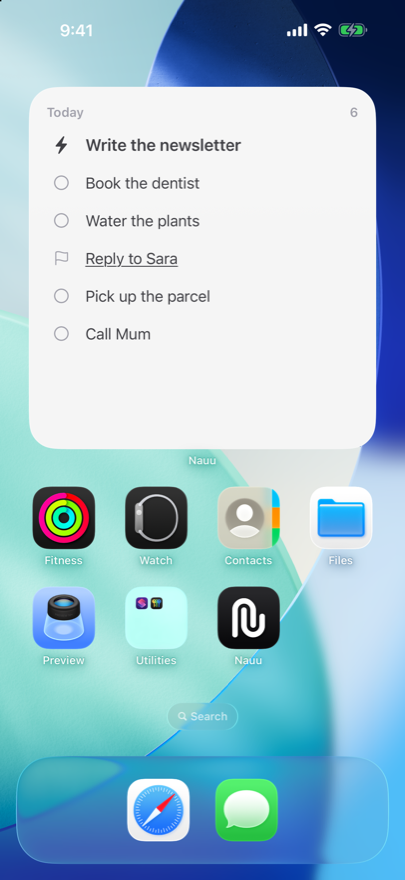
- What is next, on your Home and Lock Screen — and you can tick it off from there.
- Due dates
- Give a task a time and Nauu says so when it arrives. The time turns red once it has passed.
- Repeating tasks
- Daily, weekly, monthly. Finish it and the next one takes its place, already dated.
- iCloud sync
- The same tasks on every device. Off until you switch it on.
- Shared lists
- Share a category with someone. Whoever joins does not need Pro.
- Descriptions
- Room for the details, kept out of the way until you want them.
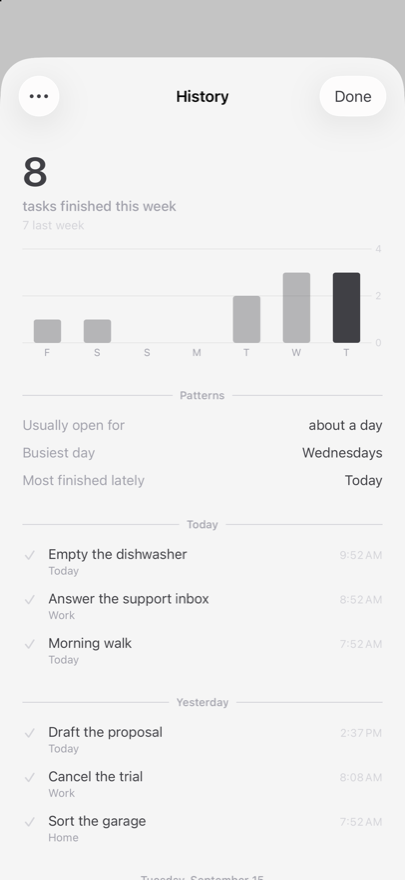
- History and stats
- Everything you have finished, and a quiet look at your week.
- Siri and Shortcuts
- Add a task without opening the app.
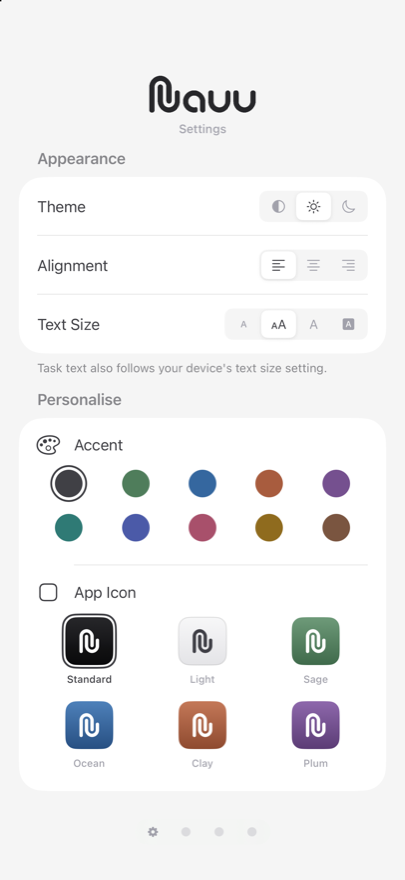
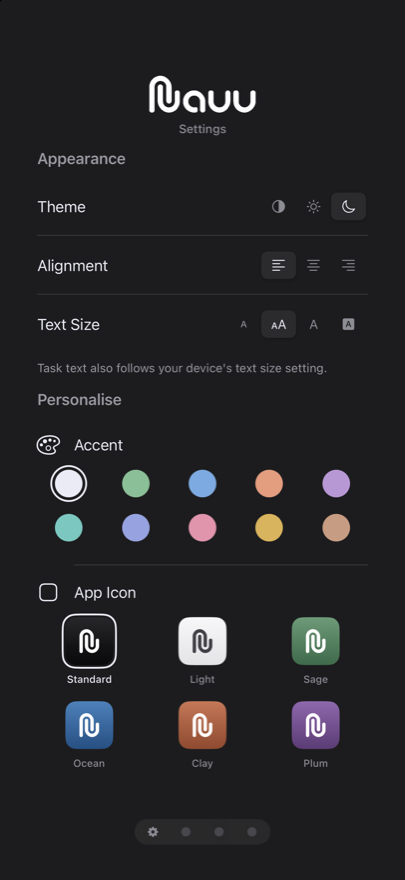
- Your own look
- Ten accent colours and six app icons.
Yours
Quiet by default. Yours if you want it.
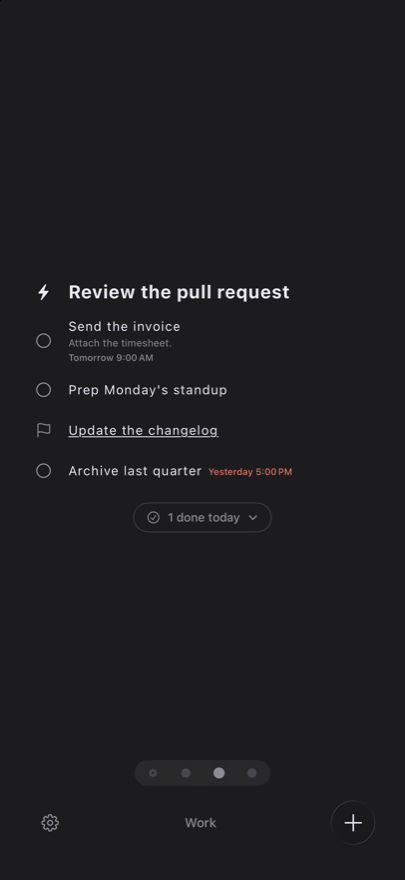
Light, dark or whatever the phone is doing. Text the size you actually read at, aligned where you like it. Hide the status icons entirely if a plain list suits you better.
Pro adds ten accent colours and six app icons — spent in few enough places that the list stays calm and the colour marks the one thing that matters.
Privacy
Your list is nobody else’s business.
There is no Nauu account, and no analytics or tracking in the app. Your tasks sit on your device. Turn on iCloud Sync and they go to your own iCloud — not to us. Lock the app with Face ID and it re-locks the moment you leave it.
Questions people ask
What is Nauu, in one sentence?
A list of the things you mean to do, on your iPhone, with nothing else bolted on — no projects, no boards, no inbox to triage.
Is it free?
Yes. Your lists and your tasks are free and unlimited, for as long as you use the app. Nauu Pro is a single purchase that adds due dates, widgets, iCloud sync and a few other things. There is no subscription.
Does it sync between my devices?
With Pro, yes. Turn on iCloud Sync and the same tasks show up on every device signed in to your iCloud account. It is off until you switch it on.
Can I share a list with someone?
Yes — share a category with Pro and the other person sees it and can tick things off. Whoever joins does not need Pro themselves.
Will it send me notifications?
Only when you ask for one. Give a task a time and Nauu says so when the time comes. A task without a time never makes a sound.
Is there an Android version?
No. Nauu is written for iPhone, and stays there so it can use what iOS gives it — widgets, Siri, Face ID and iCloud.
What happens to my tasks?
They live on your device. There is no Nauu account and no analytics or tracking in the app. If you turn on iCloud Sync, they go to your own iCloud and nowhere else.
Can I keep my lists private?
Turn on Face ID or Touch ID and Nauu locks itself again the moment you leave the app.
Write it down. Tick it off.
That is the whole app. It takes about a minute to find out whether it suits you.